AI comic generator
AI Comic Generator: turn text and stories into comic pages
AIComics is an AI comic generator built for real storytelling. Type an idea, paste a story or upload a text file, and it turns your text into a comic: it writes the script, designs your characters and draws every page, with panel layouts, speech bubbles and sound effects included. No drawing skills needed, and you start with 500 free credits.
Generate your first comic free · See example comics
How to turn text into a comic with AI in 4 steps
1. Start with your text
Write a few lines, paste a story of up to 50,000 characters, upload a .txt file or let AI draft a story from your idea. Any genre works: romance, fantasy, sci-fi, slice of life, memes or a comic strip for your brand.
2. Get a chapter script
The AI comic generator breaks your story into scenes, pages and panels, and writes the dialogue for each one. You can edit the script before anything is drawn.
3. Design your characters
Create your cast once. AIComics keeps each character's face, hair and outfit consistent across every panel and chapter, which is the hardest part for most AI image tools.
4. Generate, edit and publish
Generate illustrated pages, then fix any text, move speech bubbles or regenerate a single page. Export your comic or publish it to the AIComics Gallery for readers.
Inside the AI comic generator
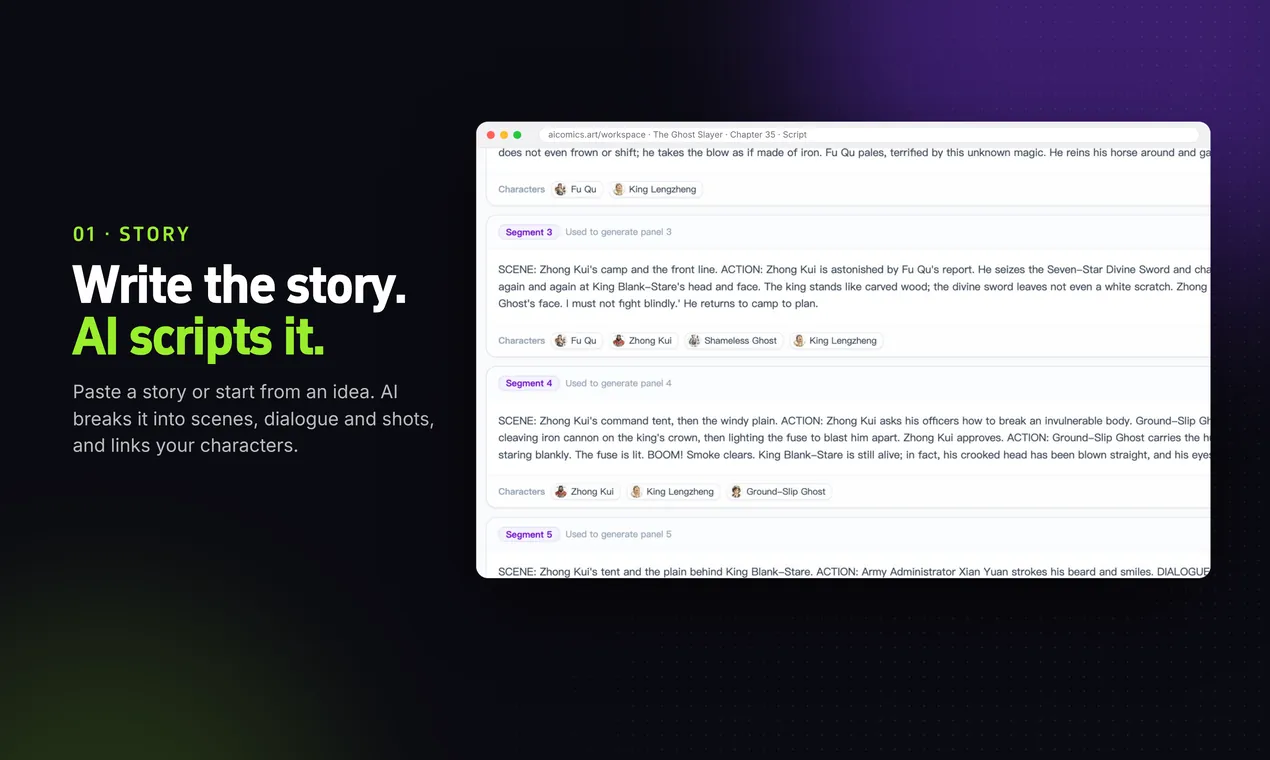
Write or paste a story. AI drafts the chapter script.
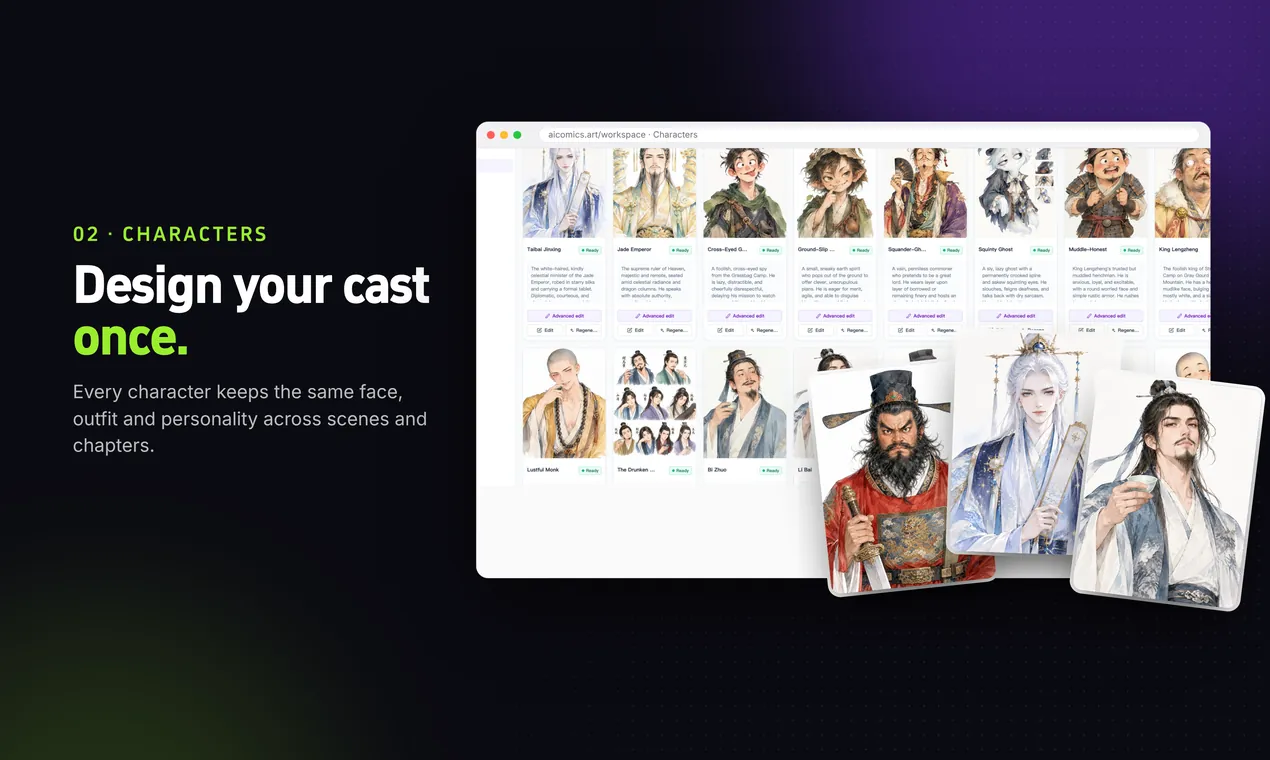
Design each character once and reuse them in every panel.
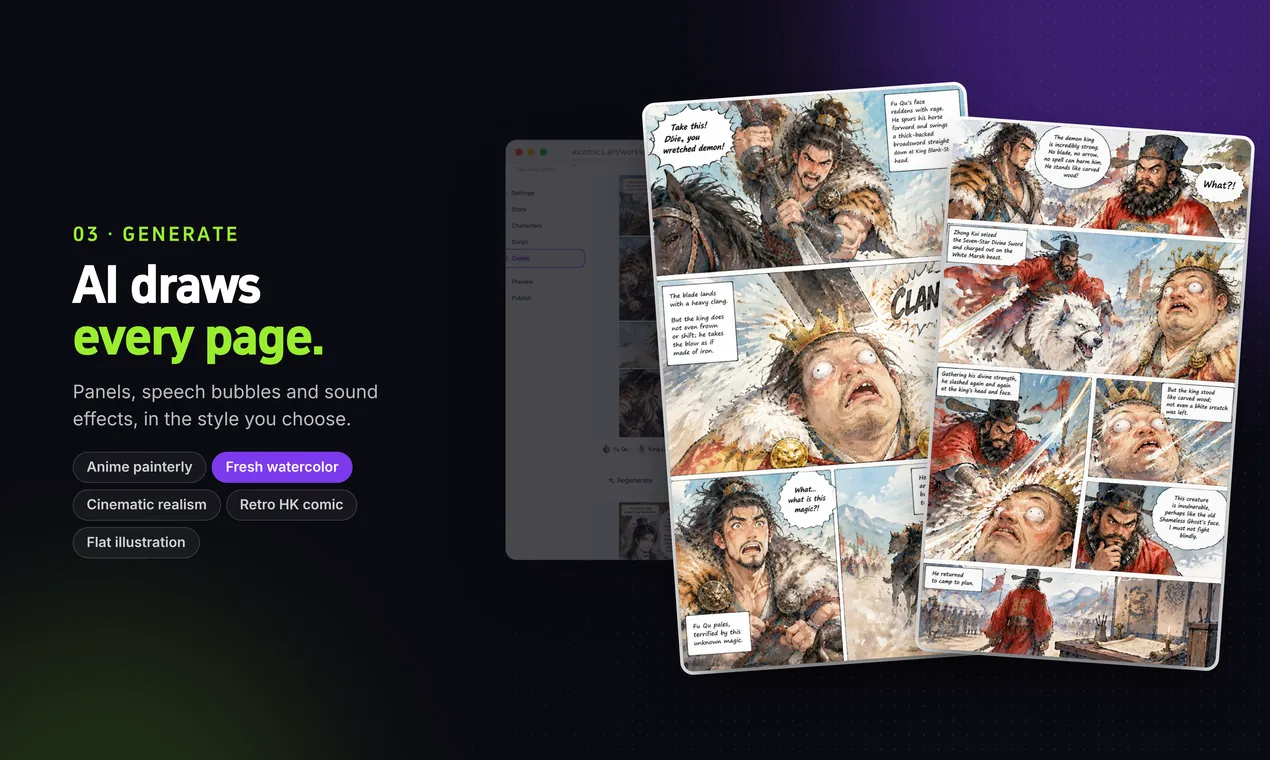
Generate full pages with panel layouts and speech bubbles.
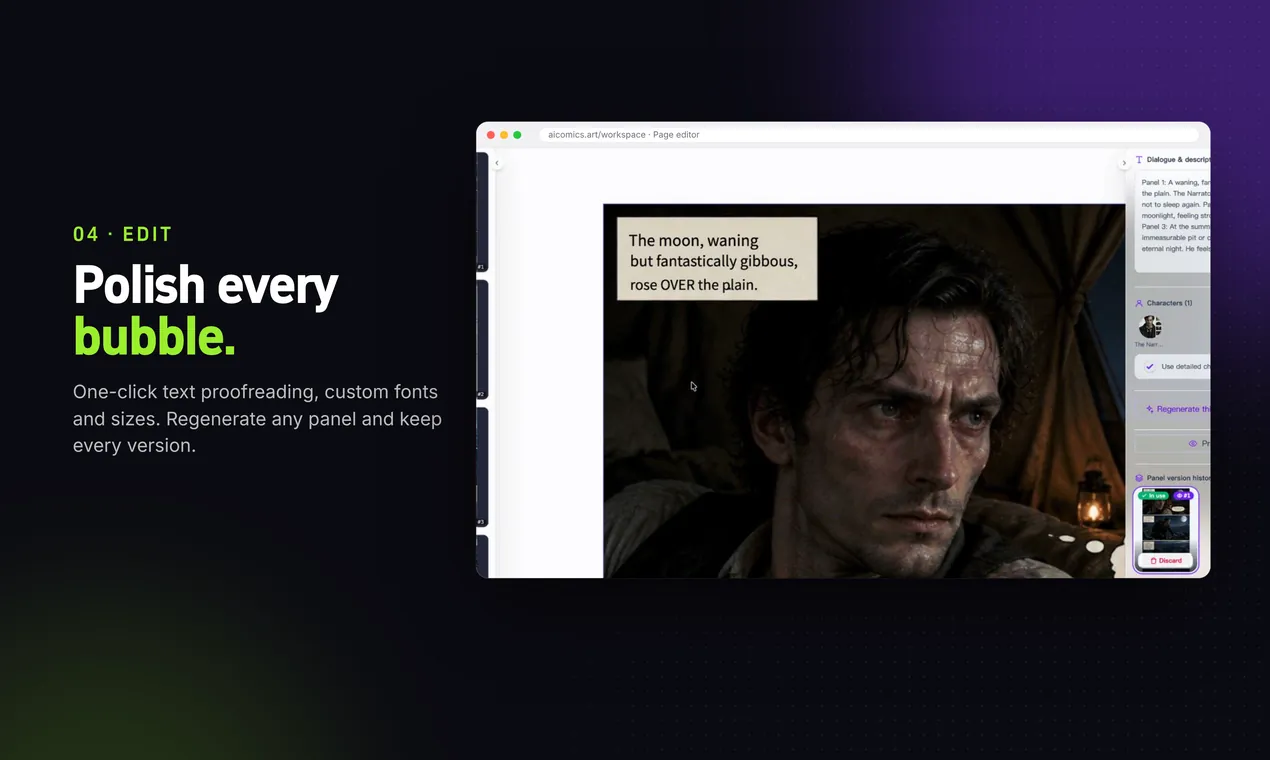
Edit text, bubbles and panels, or regenerate any page.
Why creators choose this AI comic maker
Full pages, not single images
Most AI art tools give you one picture at a time. AIComics generates complete comic pages with multi-panel layouts and reading order.
Four comic formats
Webtoon (vertical scroll), manga with variable panels, classic four-panel strips and page-by-page picture stories.
Consistent characters
Characters stay recognizable from the first panel to chapter ten, so your comic reads like a real series.
Editable speech bubbles
Dialogue is real text, not baked into the image. Proofread it, restyle it or rewrite it at any time, in six languages.
Five art styles
Anime painterly, fresh watercolor, cinematic realism, retro Hong Kong comic and flat illustration, in color or black and white.
Free to start, yours to keep
500 free credits on sign-up, credit packs from $0.99, no subscription. You own the comics you make.
What is an AI comic generator?
An AI comic generator is a tool that turns text into comic art. Instead of sketching, inking and lettering every panel by hand, you describe what happens and the AI produces the illustrations, panel layout and dialogue for you. The result is a comic you can read, share or keep editing.
Text-to-comic tools range from simple single-panel image generators to full comic studios. AIComics sits at the studio end: it handles the whole workflow from story to script to finished pages, and keeps the parts you care about, like characters and dialogue, under your control.
People use AIComics to make webcomics and comic strips, adapt short stories and fan fiction, storyboard ideas, create educational comics for classrooms, and produce marketing comics for small businesses. If you can describe a scene, you can turn it into a comic.
What separates a good text-to-comic generator from a basic image generator is everything around the pictures. A comic needs pacing across pages, the same characters in every panel, dialogue that stays readable and a reading order that makes sense. AIComics plans all of that from your text first, then draws, so you get comic pages rather than a pile of unrelated images.
How to generate a comic from text
Generating a comic from text works best when the AI has a clear story to follow. You don't need a formal script: a few paragraphs that say who is in the scene, where they are and what changes by the end are enough for the text-to-comic engine to plan pages and panels.
Create a new comic in AIComics, paste your text or upload it as a .txt file, and choose a format: a vertical webtoon, manga pages, a four-panel strip or page-by-page picture story. The AI comic generator reads your text, splits it into scenes, decides how many panels each moment needs and writes the dialogue and captions for every panel. You can rewrite any line before a single image is drawn.
Next, check the characters it found in your text and design how each one looks. That design is reused in every panel, so your cast stays consistent from page one to the last chapter. Then generate the pages. If a panel isn't right, regenerate just that page or edit the speech bubbles directly. Dialogue stays editable because it isn't baked into the artwork.
A few tips for better results: keep one main event per scene, use the same name for each character throughout, put spoken lines in quotes so they become speech bubbles, and start with a short story for your first chapter. Longer novels and fan fiction work too; split them into chapters and generate one chapter at a time.
You can try it free. New accounts get 500 credits, enough to turn your first text into finished comic pages, with no credit card and no subscription.
AI comic generator FAQ
Is the AI comic generator free?
Yes, you can start free. Every new account receives 500 free credits, enough to create your first pages. After that, pay-as-you-go credit packs start at $0.99, with no subscription.
Do I need drawing skills to make a comic with AI?
No. You only need a story idea. AIComics writes the script, designs the characters and draws every panel. You can then adjust the text and layout in the editor.
Can I turn my own text or story into a comic?
Yes. Paste your own story, script or notes and AIComics converts it into comic pages. You can also start from a one-line idea and let AI expand it into a story first.
Is there a free AI comic generator from text?
Yes. AIComics turns text into comics and is free to start: every new account gets 500 credits, enough to generate your first comic pages from your own text without a credit card.
How long can my text be?
You can paste up to 50,000 characters or upload a .txt file. For long stories, split the text into chapters and generate one chapter at a time for the best pacing.
Will my characters look the same in every panel?
Yes. You design each character once and AIComics reuses that design across panels, pages and chapters, so the cast stays consistent.
Can I use the comics commercially?
Yes. You own what you create on AIComics, including for commercial use.
Can it make manga or webtoons too?
Yes. Pick the manga layout for variable manga panels, or the webtoon layout for vertical-scroll comics. See our AI manga generator and webtoon generator pages for details.