Guide
How to create a comic book, step by step
Want to create a comic book but can't draw, or don't have months to spare? This guide walks through the six steps every comic book goes through, from idea to published pages, and shows how AIComics can handle the drawing for you so you can focus on the story.
Create a comic book free · See example comics
6 steps to create a comic book
1. Find your story idea
Start with a premise you can say in one sentence: who wants what, and what stands in their way. Short, focused stories make the best first comics. With AIComics, you can expand a one-line idea into a full story with AI.
2. Design your characters
Decide how your main characters look, dress and speak. Consistency matters: readers must recognize them in every panel. In AIComics you design each character once and reuse them everywhere.
3. Write the script
Break the story into pages and panels, and write the dialogue and captions for each. Aim for 3 to 6 panels per page and keep speech short. AIComics drafts this chapter script for you, and you can edit every line.
4. Choose a format and lay out the panels
Pick the format your readers expect: page-based comic book or manga, a four-panel strip, or a vertical-scroll webtoon. Then plan panel sizes so key moments get bigger panels.
5. Draw, color and letter
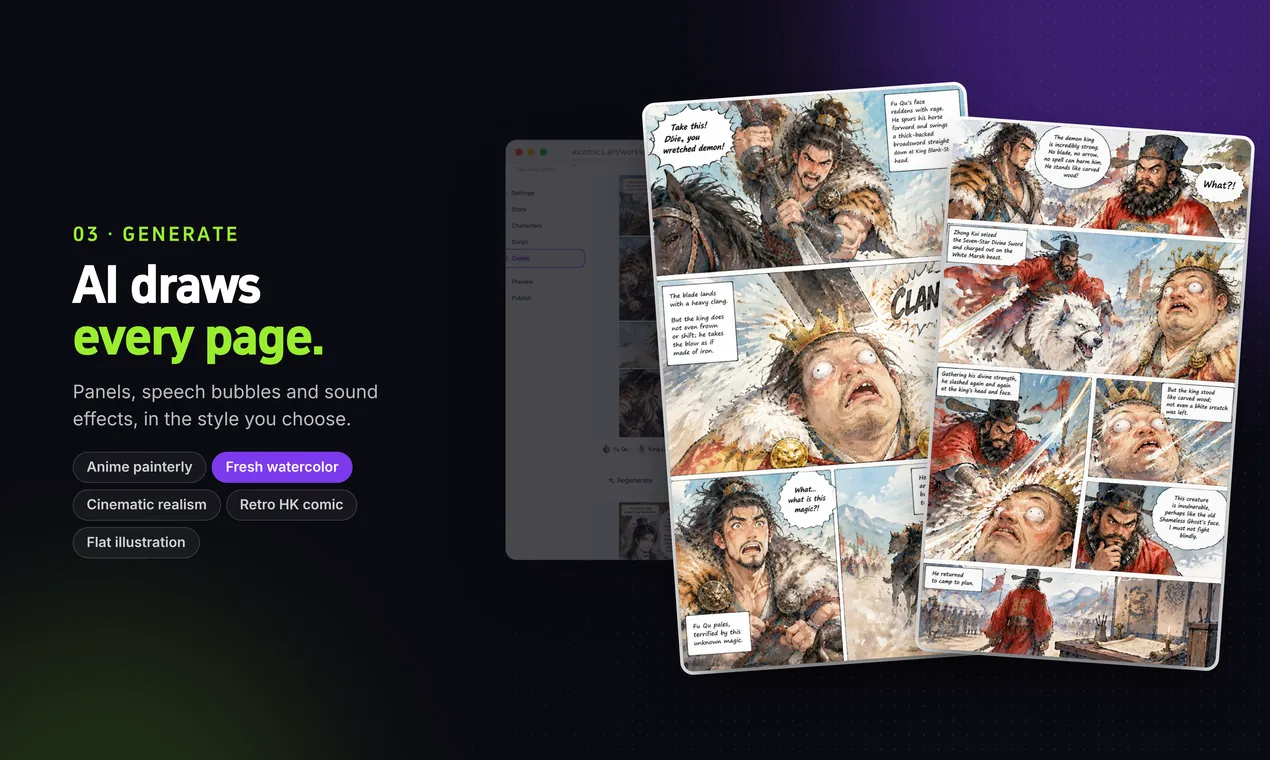
Traditionally this is the longest step: pencils, inks, colors, then speech bubbles and sound effects. AIComics generates the illustrated pages with bubbles and SFX in one of five art styles, in color or black and white.
6. Edit, publish and share
Read the whole chapter, fix pacing and typos, and redo any page that doesn't work. Then export your pages or publish them to the AIComics Gallery, social media or your own site.
Creating a comic book in AIComics
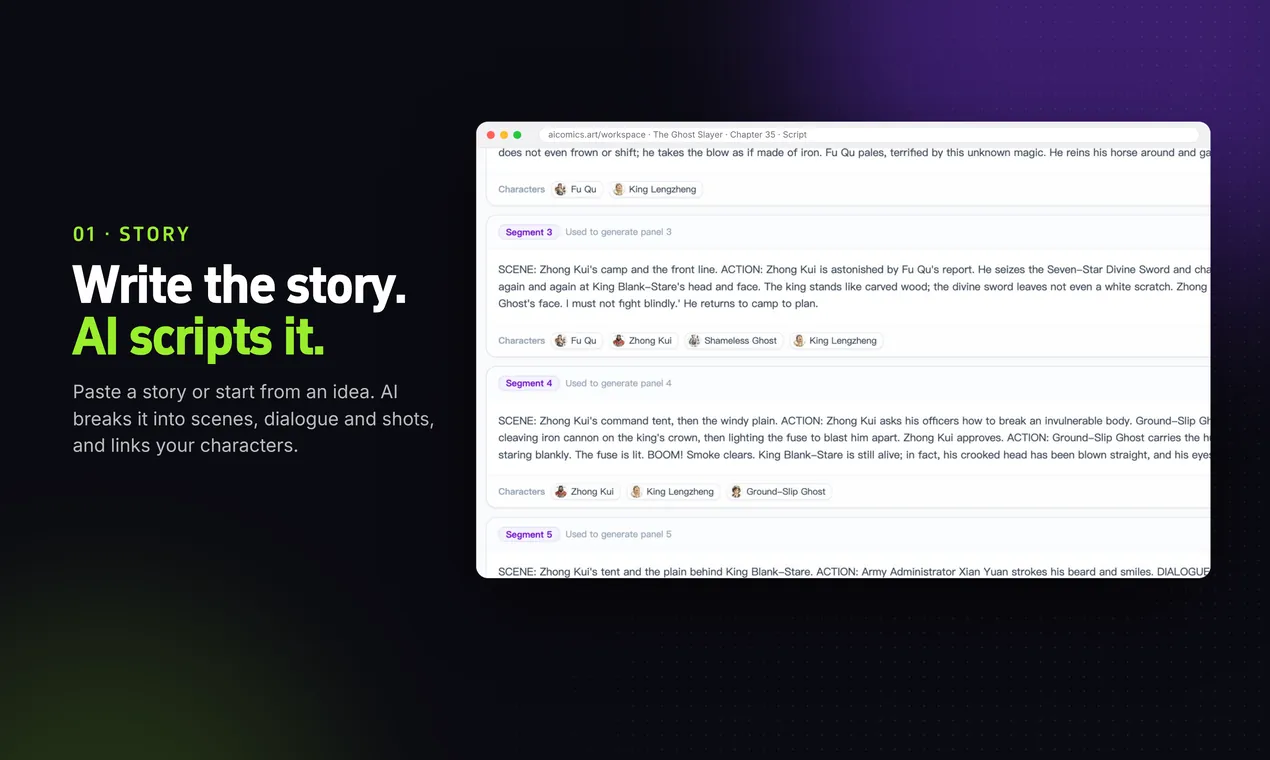
Write or paste a story. AI drafts the chapter script.
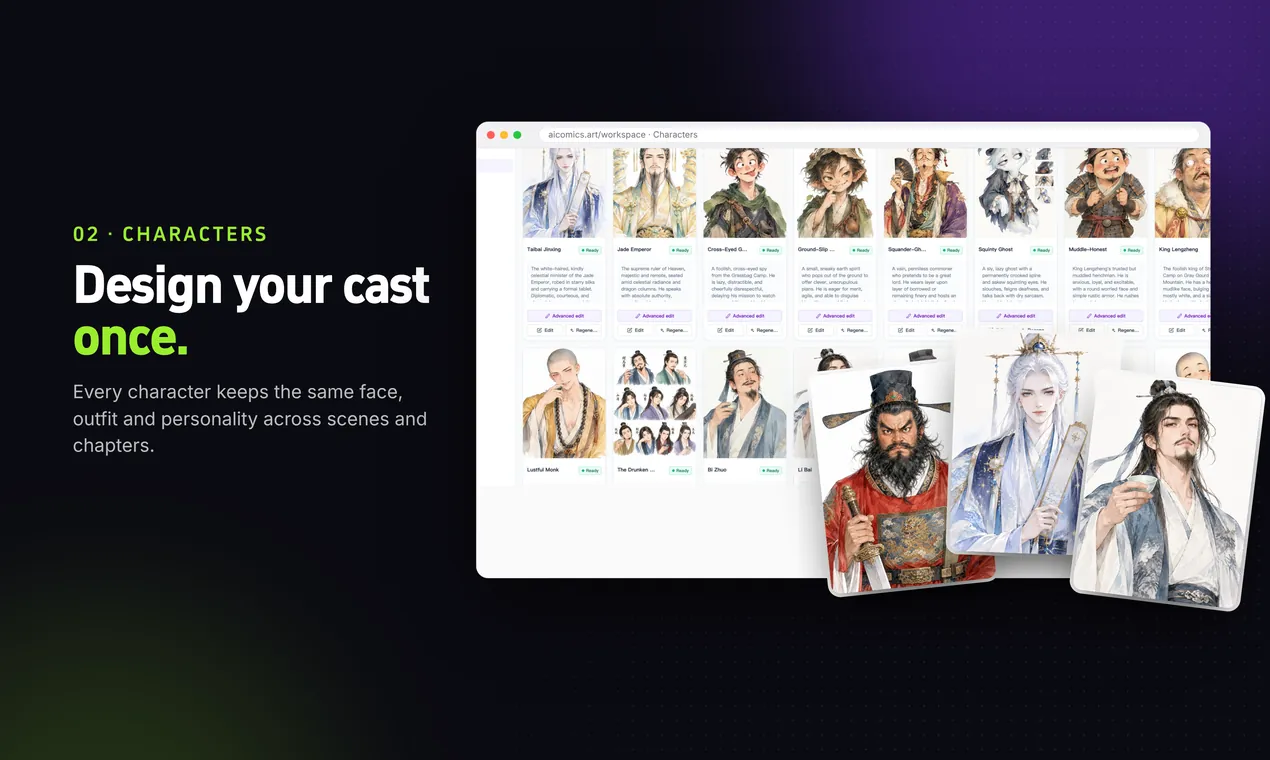
Design each character once and reuse them in every panel.
Generate full pages with panel layouts and speech bubbles.
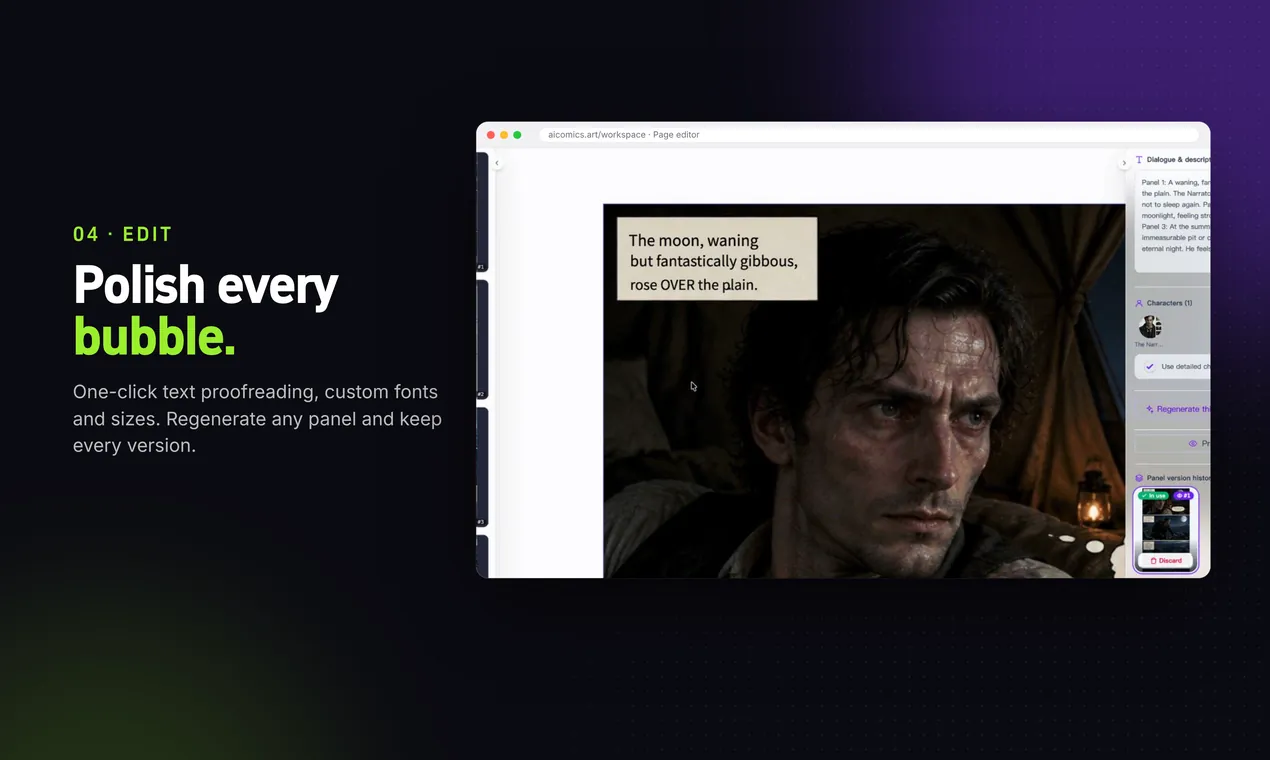
Edit text, bubbles and panels, or regenerate any page.
What you need to create a comic book
A clear story
A beginning, middle and end, even for a 4-page comic. Everything else is built on this.
A consistent cast
Character sheets with faces, outfits and colors, so every page matches.
A script
Page and panel breakdowns with dialogue. It's the blueprint the art follows.
Art and lettering
Your own drawings, a hired artist, or an AI comic generator like AIComics.
An editing pass
Read it like a reader. Cut extra words, fix unclear panels, check the flow.
A place to publish
A comic platform, social media, print, or the free AIComics Gallery.
Tips for your first comic book
Start small. A complete 8-page story teaches you more than an unfinished 200-page epic. Once you've finished one chapter, the next is much easier.
Show, don't tell. Comics are a visual medium: let a character's expression or a wide establishing shot do the work instead of long captions. Keep speech bubbles to one or two short sentences.
Use page turns. The last panel on a right-hand page, or the bottom of a webtoon scroll, is where readers pause, so put your reveals and cliffhangers there.
Don't let drawing hold you back. Many great comic writers don't draw. With an AI comic book generator, you can see your story on the page today and refine it as you go.
Creating a comic book: FAQ
Can I create a comic book if I can't draw?
Yes. Writers often partner with artists, and today AI tools like AIComics can generate the art from your story and script, so you only need the story.
How long does it take to create a comic book?
By hand, a single 20-page issue can take weeks or months. With AIComics, you can go from story to a finished first chapter in an afternoon.
How many pages should my first comic book be?
Aim for 4 to 12 pages for a first story. It's long enough to tell a full arc and short enough to finish.
Is it free to create a comic book with AIComics?
You can start free. Every new account receives 500 free credits, enough to create your first pages. After that, pay-as-you-go credit packs start at $0.99, with no subscription.
Do I own the comic book I create?
Yes. You own what you create on AIComics, including for commercial use.